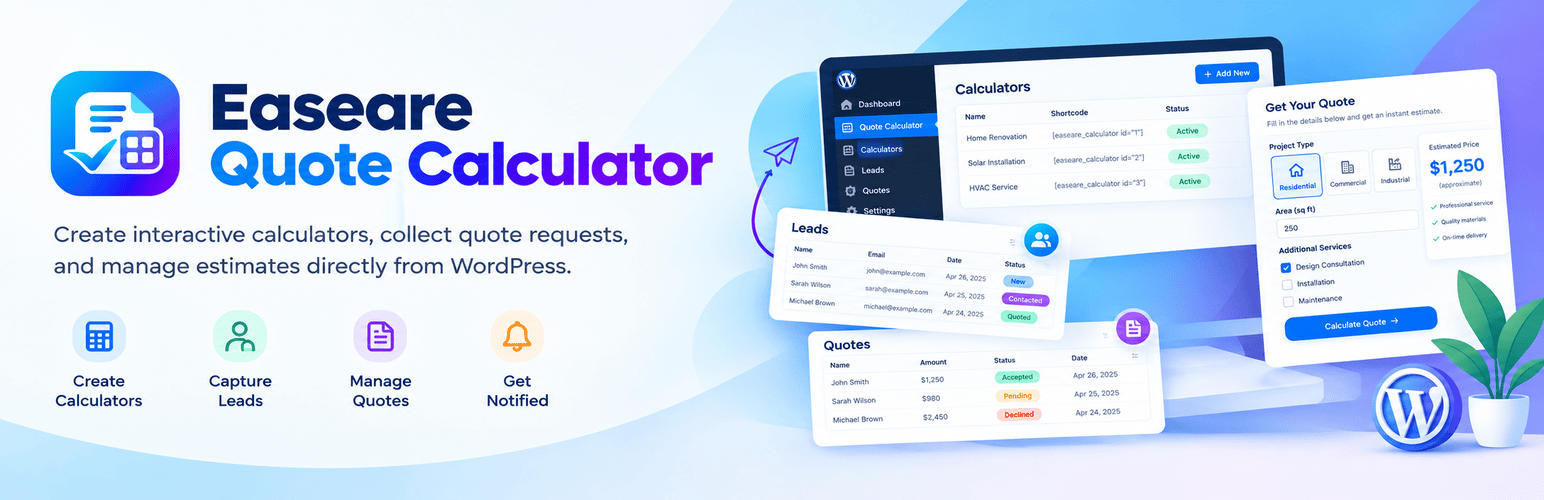

Easeare Quote Calculator
Configurable WordPress quote calculators for shops and service businesses.
Description
Easeare Quote Calculator helps service businesses, freelancers, and product sellers turn visitor choices into clear price estimates - then collect those requests as leads and turn them into quotes you can track.
Create a calculator once, publish it with a shortcode or block, and let visitors configure options while the total updates live. When they submit a request, you get the lead details in WordPress and can follow up with a formal quote.
Documentation: quote-calculator.easeare.com
Who it is for
Agencies and studios that need project or package estimates
Service businesses (cleaning, repairs, consulting, events, and similar)
Shops that want configurable product or add-on pricing before checkout
Teams that want leads and quotes in one place inside WordPress
Calculators
Field builder for text, number, select, radio, checkbox, and quantity fields (reorder by drag)
Pricing rules so options and quantities feed a live estimated total
Conditional logic to show or hide fields based on earlier answers
Industry starter templates to get a calculator running quickly
Draft and published statuses so you can edit safely before going live
Themes included: Classic, Modern, and multi-step Guide
Per-calculator style options (colors and presentation) where the theme allows
Leads and quotes
Inline lead / request form on the calculator
Lead list in the admin with detail views
Create quotes from leads with line items
Quote statuses: draft, sent, accepted, and declined
Bulk and individual delete for calculators, leads, and quotes
Embedding
Use either shortcode (same result):
[easeare_quote_calculator id="123"]
[eqcalc_calculator id="123"]
Or insert the Easeare Quote Calculator Gutenberg block and pick a published calculator. Only published calculators render on the public site.
Notifications and settings
Admin and customer emails when a lead is submitted, a quote is created, or a quote status changes
Company details and a site-wide currency under Quote Calculator > Settings > General
Notification recipients and related email options under Quote Calculator > Settings > Emails
Spam protection
Custom captcha (math or image text) - enabled by default on new calculators
Hidden honeypot field on every lead form
IP-based rate limiting on public submission endpoints
Privacy
WordPress personal data exporters and erasers for leads and quotes
Suggested privacy policy text under Tools > Privacy
Optional add-ons
The plugin is complete for everyday use without a license key. If you later install optional packages from Easeare (via Plugins > Add New > Upload Plugin), an Add-ons screen and License settings tab help manage those packages. Extra field types, additional themes, custom email templates, pricing frequency, and Google reCAPTCHA may be offered as separate add-ons outside WordPress.org. Nothing in core is locked behind a trial or forced upsell.
External services
This plugin can make optional HTTPS requests to the Easeare API. Core calculator, lead, and quote features work fully offline and never call this API. The only outbound connections are the two optional services below — they are off until you use them.
License activation and validation (optional)
Why: confirm that a purchased Pro add-on license is valid for your site.
When: only after you enter a license key under Quote Calculator → Settings → License. Requests run when you activate, deactivate, or during occasional soft re-checks on Quote Calculator admin screens (about once per day while a key stays active).
What is sent: the license key, your site URL (
home_url), and the product identifier. Lead and quote personal data are never sent.Service provider: Easeare. Terms of service — Privacy policy
Official add-on catalog (optional)
Why: keep the Add-ons screen up to date with official package names, descriptions, availability (available / coming soon), preview image URLs, and product page links — without shipping those remote assets inside the WordPress.org plugin zip. Until you use this service, the plugin shows only the bundled local catalog (no outbound request).
When: (a) you click Refresh catalog on Quote Calculator → Add-ons, or (b) you enable Update catalog once per day on that screen. Option (b) schedules WordPress Cron to request the catalog about once every 24 hours. If daily updates stay disabled, no scheduled catalog request is made.
What is sent: a GET request to
https://api.easeare.com/v1/easeare-quote-calculator/catalog. Headers include the product identifier (X-Easeare-Plugin) and a User-Agent with the plugin version and your site home URL. No license key, no lead data, and no quote personal data are sent.What is received: public metadata only (names, descriptions, types, feature lists, HTTPS preview image URLs, and optional product links). The response never installs or executes remote code.
Screenshots
Add-ons
Optional packages for this product. Free add-ons download with an Easeare account; Pro add-ons unlock via purchase and license activation.